Shop

Add-ons and apps

Physics and effects tools I built for my own product films, now ready for your scenes, and a free app for Windows. The add-ons install as Blender extensions, work offline and are licensed per computer. Try each one free for 14 days.

  • 14-day free trial
  • Blender extensions
  • Windows, macOS, Linux
  • Works offline for 30 days
  • Secure checkout by Razorpay
  • Ball physics
  • Blender 4.2+

TrueBounce

Realistic ball physics: flight, spin and bounce, baked to keyframes you can edit.

  • 25 ready-made balls with real size, weight and bounce
  • Balls that hit each other, throws from a hand
  • Speed Ramp slow motion that stays real

 per key

Buy keys

  • Geometry Nodes
  • Blender 5.2+

TrueDust

Impact dust, resting dust and wind for any animated object.

  • Finds every impact, on floors, walls and props
  • 13 looks and soft dust clouds
  • Real air drag and slow motion in sync

 per key

Buy keys

Islet

A living island of light at the top of your Windows screen.

  • Music, live lyrics and notifications
  • Quick controls, notes and a focus timer
  • No account, no ads, no tracking

Freefor Windows

Get Islet

Better together

Real motion, real dust

Use them on their own, or together: TrueDust reads TrueBounce's bounces and hits directly, so every burst happens exactly on the impact. Slow the ball down with the Speed Ramp and the dust slows down with it. Re-bake the ball and the dust updates by itself.

  • Each add-on has its own key
  • One account holds the keys for both
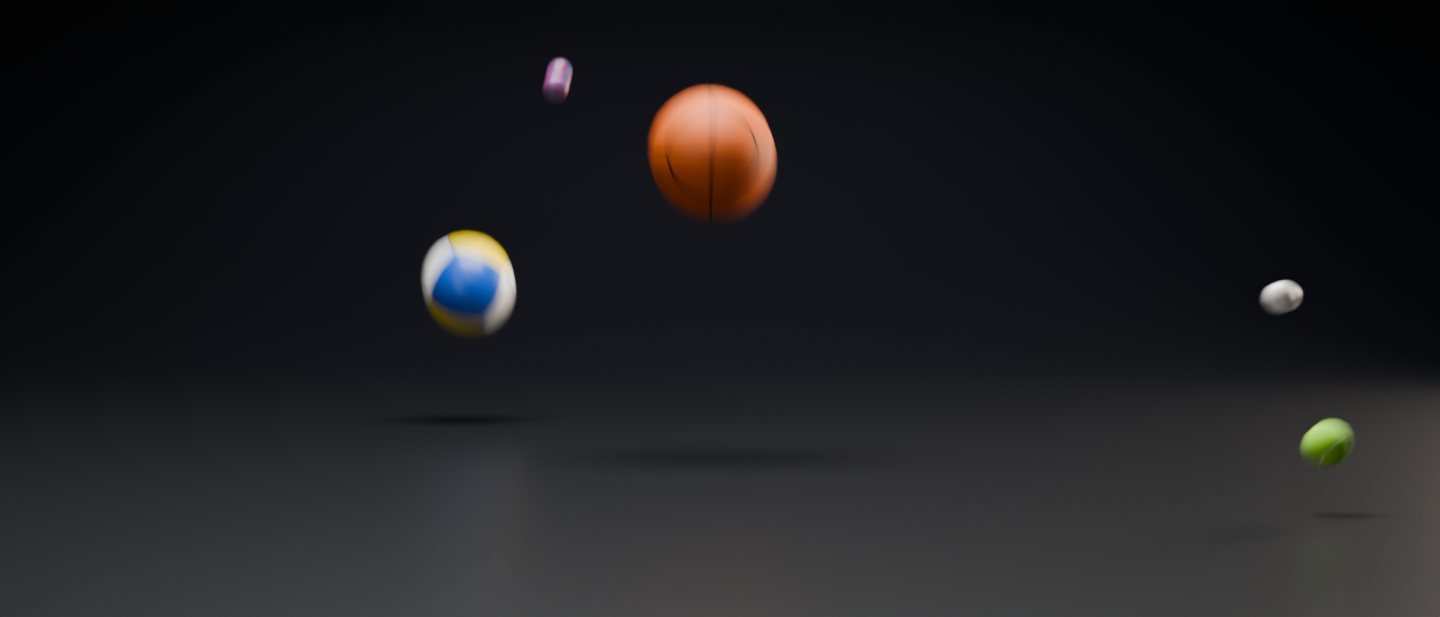
Balls bouncing across a dark studio floor, animated with TrueBounce
TrueBounce
Backlit dust bursting out around an impact, made with TrueDust
TrueDust

Which one do I need?

CompareTrueBounceTrueDust
MakesThe motion: flight, spin and bounce of a ballThe dust: bursts, grit and resting dust at each impact
Works onAny of 25 ball types, or an object of your ownAny animated object, or a TrueBounce ball
ResultKeyframes, any render engineGeometry Nodes simulation, baked; renders in Cycles
Slow motionSpeed Ramp with nine presetsFollows TrueBounce, or its own speed curve
Blender4.2 and newer5.2 and newer
Free trial14 days, every feature14 days, every feature
Price per keyAt checkoutAt checkout

How buying works

  1. Create an account

    One free account holds every key and trial, for you alone or for your whole team.

  2. Try it free

    Download the add-on, install the zip in Blender and click Start Free Trial: 14 days with every feature.

  3. Buy keys

    One key for each computer that uses the add-on. Your keys appear right after paying.

  4. Activate

    Log in inside Blender and activate a key. It works offline for 30 days at a time.

Go to My account

Questions

Can I try an add-on before buying?

Yes. Each add-on has a 14-day free trial with every feature. Download it, log in inside Blender with a free account and click Start Free Trial. Each account and each computer gets one trial per add-on, and no payment details are needed.

Will my key still work after an update?

Yes. Your activation is saved outside Blender's add-on folder, so updating an add-on, reinstalling it or moving to a newer Blender keeps it active on that computer.

How many keys do I need?

One for each computer that runs the add-on at the same time. A team can buy all its keys on one account, and each person activates their own key.

Can I move a key to another computer?

Yes. Deactivate it on My account or in the add-on's preferences, then activate it on the new computer.

Does a key work for both add-ons?

No. Each add-on has its own keys. Your one account can hold keys for both.

How do I pay?

Checkout runs on Razorpay, and prices are in USD. Your keys appear on the page right after paying, by email and on My account.

Do I need a key for Islet?

No. Islet is free: no account, no key and no payment. Download it from its page, and it keeps itself up to date.

Do I get updates?

New versions are posted on each add-on's page with a dated list of what changed, and its download link always gives you the latest one.

Get started

Ready to get started?

Buy license keys