Automatic impacts
Finds bounces and strikes from the animation, even between frames. Add a marker by hand for anything else.
Impact dust, resting dust and wind for any animated object.
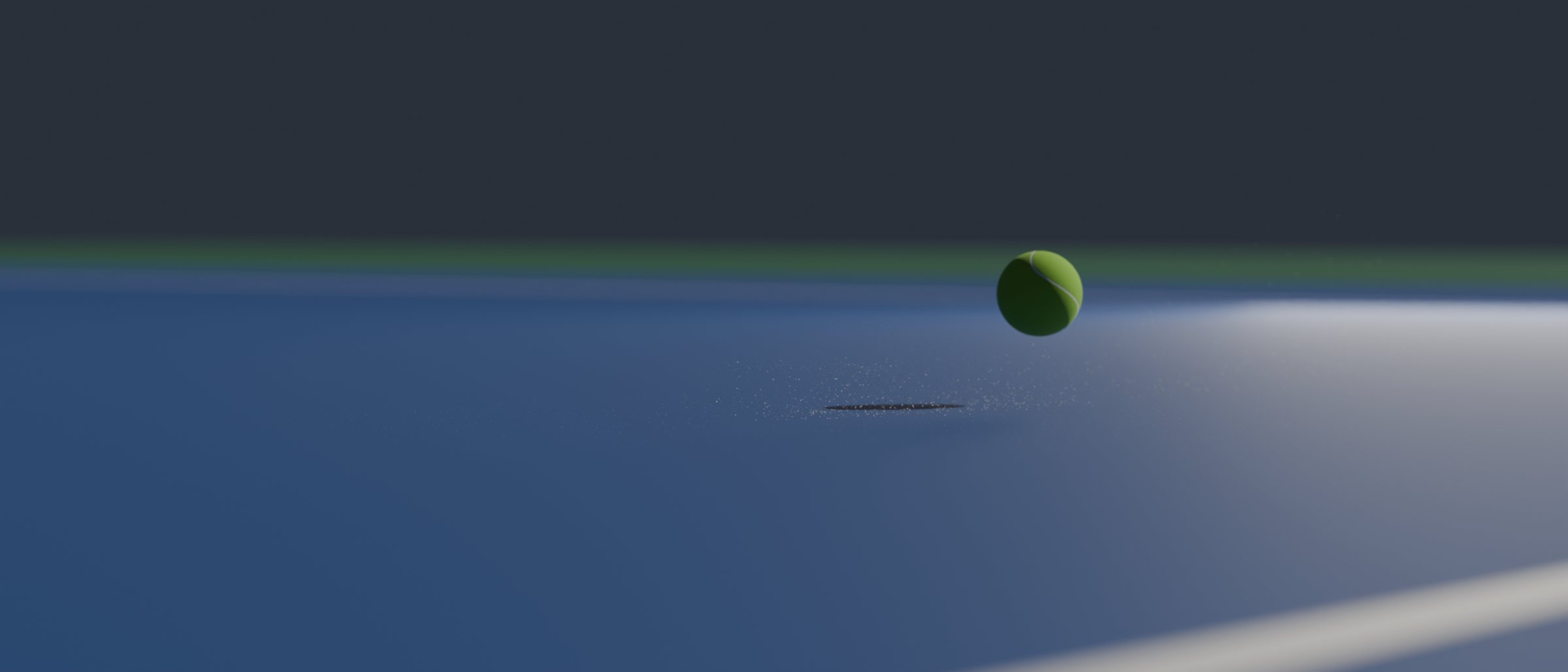
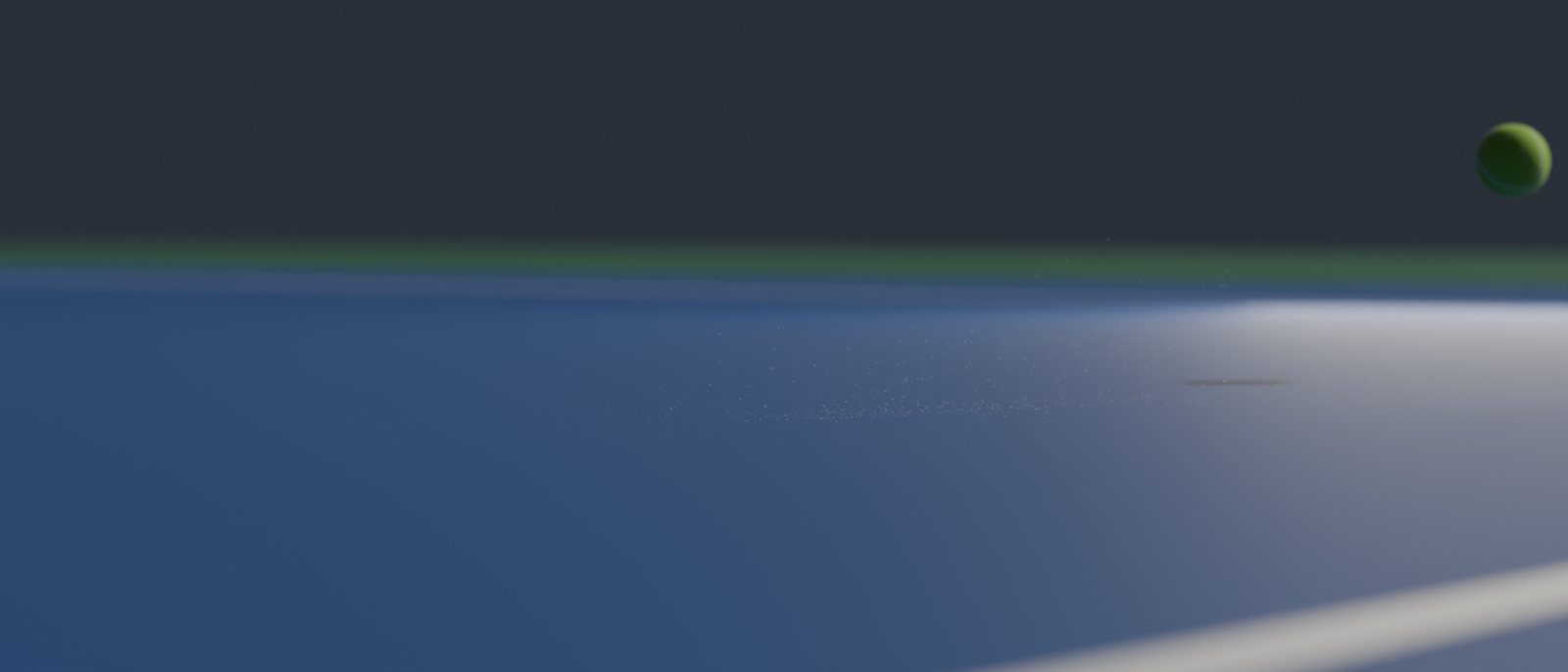
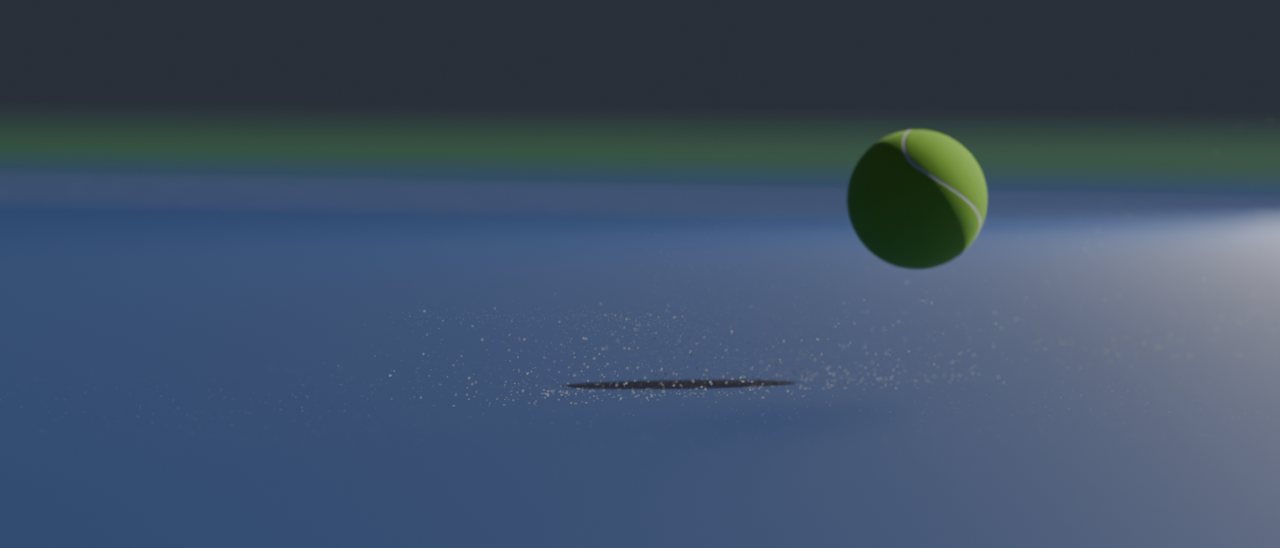
Select an animated object and click Create Dust System. TrueDust finds every moment the object hits the ground or is struck, and adds a burst of dust at each impact, a fine layer of resting dust that gets kicked up, and particles thrown off the object itself.
Choose a ready-made look, tune any impact on its own, and bake. The dust plays back fast and renders the same every time.
Finds bounces and strikes from the animation, even between frames. Add a marker by hand for anything else.
A spray of dust and a shockwave at every bounce, with amount, power and timing per impact.
A layer of dust on the ground that the object and the shockwave kick up. Paint it exactly where you want it.
Particles that cling to the object and shake loose when it lands or is struck.
Wind, air drag and swirl that carry the dust after the impact, so it settles naturally.
Ready-made looks, colors taken from the ground, a speed ramp for slow motion, and camera culling for faster renders.
Create an account and buy one key for each computer that will use the add-on.
In Blender, open Edit > Preferences > Get Extensions and choose Install from Disk with the downloaded zip.
Find the add-on under Edit > Preferences > Add-ons and log in with your account email.
Click Activate Key and paste one of your keys. The add-on unlocks right away.
Blender 5.2 and newer. TrueDust installs as a Blender extension.
No. TrueDust works with any animated object. With a TrueBounce ball it reads the exact bounces and hits, and it can follow the ball's speed ramp.
One for each computer that runs the add-on at the same time. A team can buy all its keys on one account; each person activates their own key.
Yes. Deactivate it on My account or in the add-on's preferences, then activate it on the new computer.
Only to log in and activate. After that it works offline for 30 days and renews itself the next time Blender is online.
Write to ceo@aadeshtanwar.com.