Real ball physics
Gravity, air drag and spin curve, with topspin, sidespin and rifle spin. Each ball has its real size, weight and bounciness.
Real-world ball flight, spin and bounce, baked to keyframes you can edit.
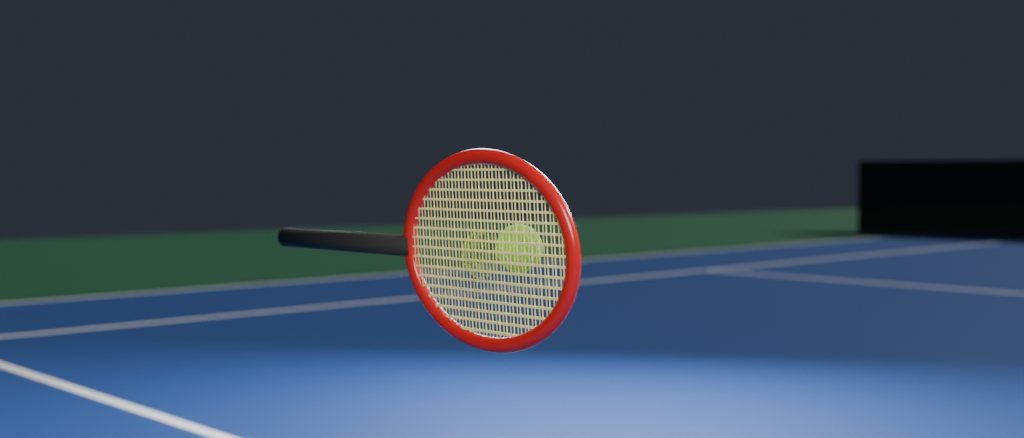
Pick a ball, aim it, and TrueBounce works out the whole flight: gravity, air drag, spin and every bounce off the floor, walls and props. The result is ordinary keyframes on your object, so it plays back in real time, renders the same on every computer and stays easy to edit.
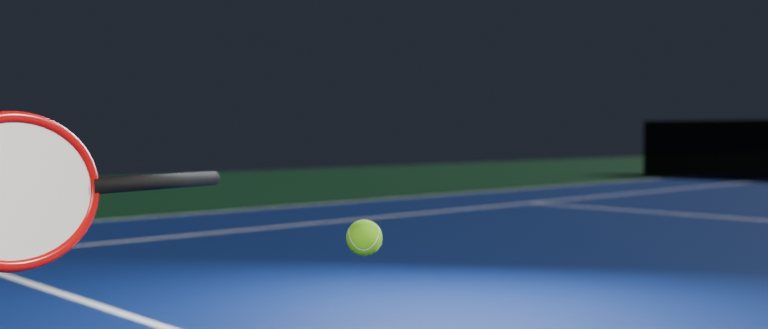
Tell the ball where to land and on which frame, add hits from a racket or a bat in mid-air, and slow the shot down with speed keys for a slow-motion moment that still moves like the real thing.
Gravity, air drag and spin curve, with topspin, sidespin and rifle spin. Each ball has its real size, weight and bounciness.
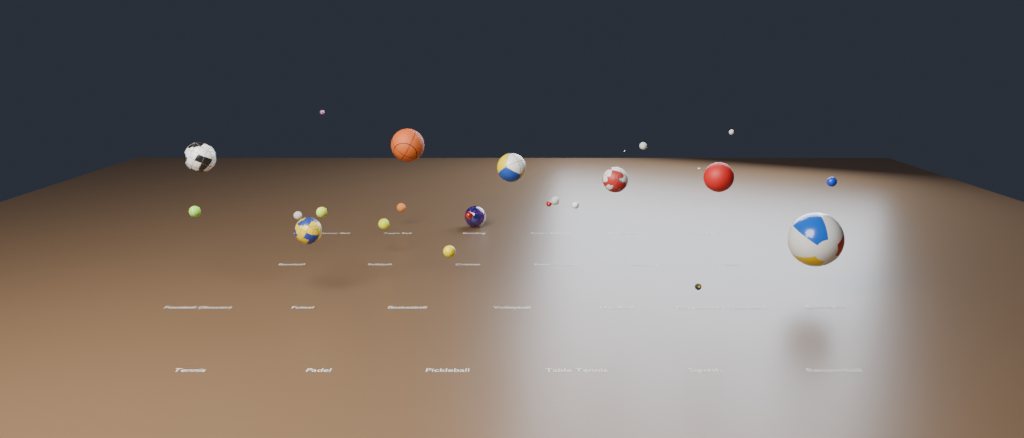
From table tennis and golf to basketball and bowling, each with its own material. Or turn any object into a ball.
Launch by speed and angle, or pick a target and a frame and TrueBounce finds the throw. Add strikes in mid-flight.
Pin a bounce to an exact spot and frame, and the flight around it adjusts to land there.
Slow down or speed up any moment with speed keys and smooth ramps, also on keyframes you already have.
Squash and stretch on impact, timeline markers at every bounce, and hand edits that survive a re-bake.
Create an account and buy one key for each computer that will use the add-on.
In Blender, open Edit > Preferences > Get Extensions and choose Install from Disk with the downloaded zip.
Find the add-on under Edit > Preferences > Add-ons and log in with your account email.
Click Activate Key and paste one of your keys. The add-on unlocks right away.
Blender 4.2 and newer. TrueBounce installs as a Blender extension.
Yes. The bake is plain keyframes. Edit them by hand, and a re-bake keeps the edits where the motion still matches.
One for each computer that runs the add-on at the same time. A team can buy all its keys on one account; each person activates their own key.
Yes. Deactivate it on My account or in the add-on's preferences, then activate it on the new computer.
Only to log in and activate. After that it works offline for 30 days and renews itself the next time Blender is online.
Write to ceo@aadeshtanwar.com.